Elementor continues to be the dominant website builder on the web, but unlocking its true design and functional potential requires pairing it with top-rated Free Elementor Addons in 2026-2027. While core Elementor Free includes essential elements, premium-grade addon packs give you access to advanced post carousels, custom header/footer builders, animated infoboxes, and eCommerce product grids without paying recurring SaaS fees.
In this curated guide, we present the 10 best free Elementor addons and header footer builders. Each addon suite has been tested for clean script enqueueing, zero layout shifts, high user ratings, and full compatibility with the latest Elementor and WordPress core versions.
Table of Contents: Quick Navigation
- 1. Magical Addons For Elementor – 🏆 Editor’s Choice – Ultimate Widget Suite
- 2. Essential Addons for Elementor – Popular Multi-Purpose Toolkit
- 3. Royal Elementor Addons – All-In-One Builder & Templates
- 4. ElementsKit Elementor Addons – Advanced Header & Mega Menu
- 5. Happy Addons for Elementor – Creative CSS Animations & Displays
- 6. Elementor Header & Footer Builder – Free Canvas Customizer
- 7. Premium Addons for Elementor – Supercharged Interactive Widgets
- 8. Unlimited Elements for Elementor – Modular Widget Library
- 9. Starter Templates by Brainstorm Force – Complete Site Kits
- 10. ShopEngine – Complete Elementor WooCommerce Builder
- Feature & Pricing Comparison Matrix
- How to Choose the Right Free Elementor Addons
- Frequently Asked Questions (FAQ)
- Final Verdict & Recommendations
Top Recommended Free Elementor Addons for 2026-2027
Below is our detailed breakdown of the leading solutions currently available. Each review highlights essential capabilities, real user feedback, live demos, and direct download links.
1. Magical Addons For Elementor
Magical Addons For Elementor provides an expansive collection of lightweight, modern creative widgets designed to supercharge your landing pages, agency portfolios, and corporate showcases.
Key Advantages of 1. Magical Addons For Elementor:
- 60+ Creative Widgets: Includes advanced sliders, interactive banners, team cards, and pricing matrices.
- Modular Asset Manager: Deactivate unused widgets to ensure zero unnecessary CSS or JS is loaded on page load.
- Mobile Responsive Controls: Fine-tune font sizes, padding, and alignments across each device breakpoint.
- Lifetime Deal Available: One-time $21 license offering lifetime updates with zero recurring fees.
2. Essential Addons for Elementor

Essential Addons is the most downloaded third-party addon library for Elementor, offering over 90 creative widgets and extensive styling options for blogs and stores.
Key Advantages of 2. Essential Addons for Elementor:
- Dynamic Post Grids: Showcase blog posts, portfolio items, and products in responsive filterable grids.
- Interactive Elements: Add countdown timers, flip boxes, interactive promo cards, and call-to-action blocks.
- Lightweight Performance: Asset optimization tool compiles only active widget scripts for faster loading.
3. Royal Elementor Addons

Royal Elementor Addons is an all-in-one powerhouse featuring a built-in Header/Footer Builder, Mega Menu builder, Popup creator, and extensive pre-made template kits.
Key Advantages of 3. Royal Elementor Addons:
- Header & Footer Builder: Design sticky and transparent navigation headers without Elementor Pro.
- Mega Menu Creator: Build rich drop-down navigation menus with columns, images, and icons.
- Pre-Made Template Kits: Import dozens of professionally designed landing page and block templates.
4. ElementsKit Elementor Addons

ElementsKit is an industry-favorite Elementor extension suite that includes advanced header/footer builders, dynamic mega menus, and comprehensive social feed integrations.
Key Advantages of 4. ElementsKit Elementor Addons:
- Complete Layout Suite: Header, footer, and off-canvas content builders included in one cohesive package.
- Conditional Display Rules: Show or hide specific sections based on login status, device, or user roles.
- Social Media Feeds: Live integration for Instagram, Facebook, and Twitter feed embeds.
5. Happy Addons for Elementor
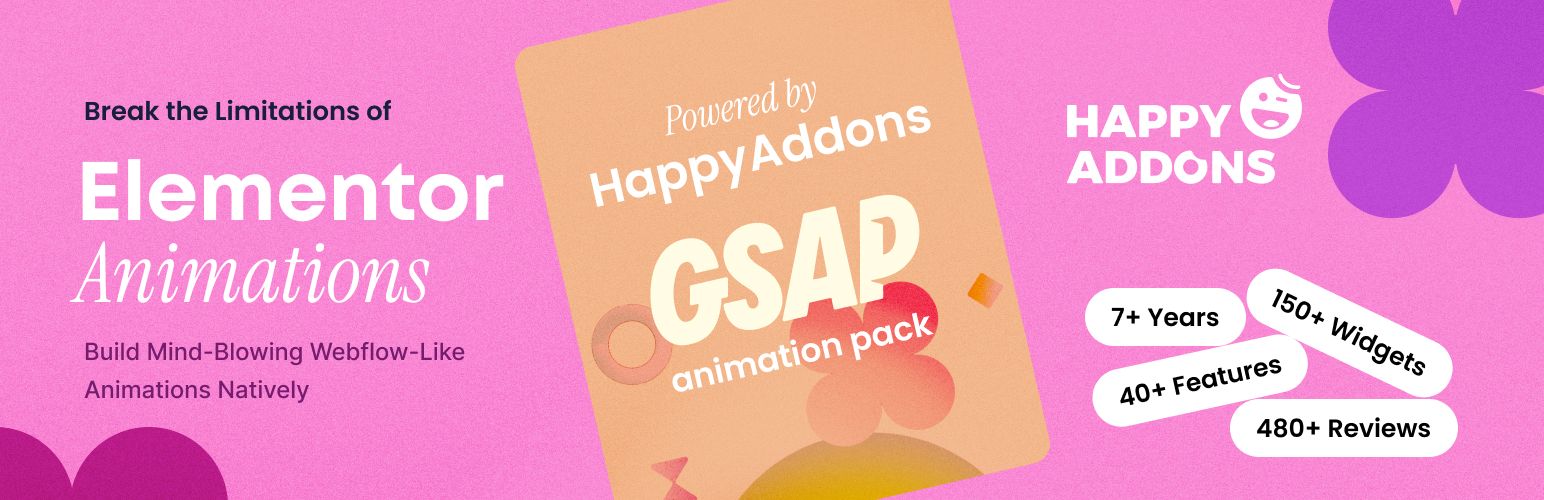
Happy Addons brings cutting-edge CSS animation physics and unique display capabilities, such as floating effects and cross-domain copy-paste, to Elementor designers.
Key Advantages of 5. Happy Addons for Elementor:
- Happy Effects & Floating Physics: Add smooth floating, bouncing, and rotating CSS micro-animations to any widget.
- Cross-Domain Copy Paste: Copy widgets and whole sections directly from one website to another in real-time.
- Preset Library: Apply pre-designed color palettes and typography styles with one click.
6. Elementor Header & Footer Builder

Developed by Brainstorm Force (makers of Astra), this essential plugin allows you to design custom headers, footers, and before-footer templates using free Elementor.
Key Advantages of 6. Elementor Header & Footer Builder:
- Display Location Targeting: Choose exactly where custom headers display: entire site, specific post types, or pages.
- User Role Rules: Display distinct navigation menus for logged-in members versus public guests.
- Built-In Navigation Widgets: Includes responsive site logo, navigation menu, and page title widgets.
7. Premium Addons for Elementor

Premium Addons offers over 60 highly customizable widgets with built-in Lottie animation support, dual headers, interactive banners, and smooth multi-scroll page sections.
Key Advantages of 7. Premium Addons for Elementor:
- Lottie Animation Integration: Easily embed lightweight, scalable vector animations into headers and CTA cards.
- Interactive Content Banners: Create captivating hover transformations with fluid CSS transitions.
- Modular Code Enqueueing: Selectively enable only the widgets you need to maintain top Core Web Vitals.
8. Unlimited Elements for Elementor
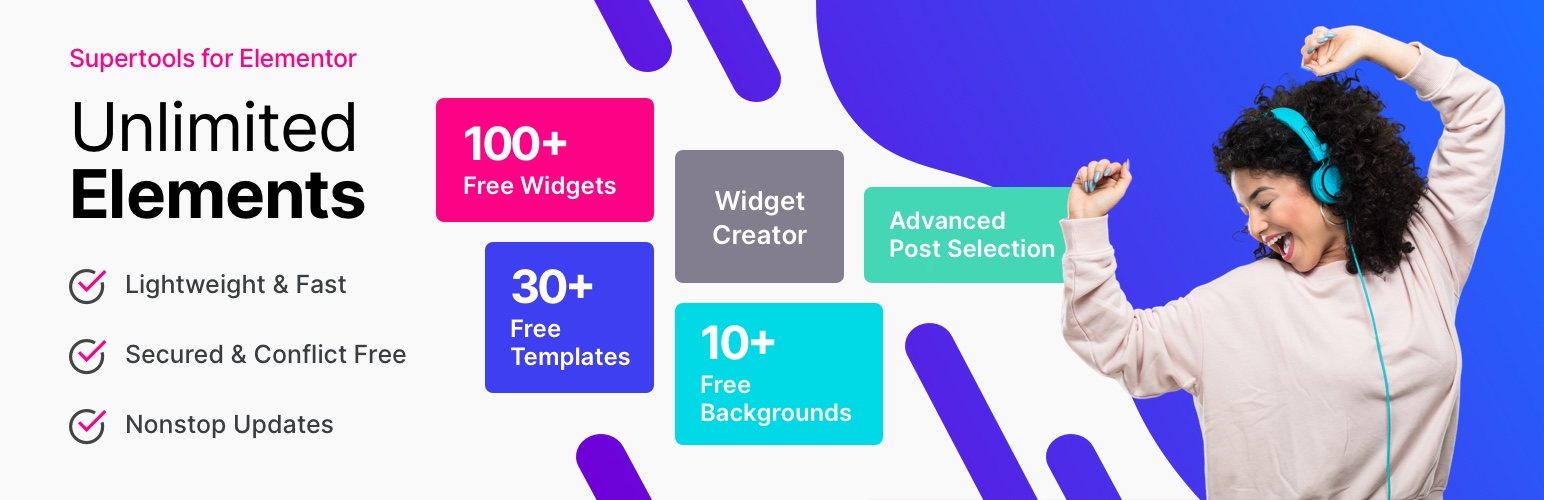
Unlimited Elements operates on a cloud-based widget library, allowing you to install only the exact elements your project requires without loading unwanted assets.
Key Advantages of 8. Unlimited Elements for Elementor:
- Cloud Widget Directory: Browse and install hundreds of specialized widgets on-demand from the cloud.
- Built-in Widget Creator: Developers can build custom HTML/CSS/JS widgets with native Elementor controls.
- Zero Bloat Philosophy: No bundled overhead—only installed elements are loaded onto your server.
9. Starter Templates by Brainstorm Force

Starter Templates grants instant access to hundreds of complete, professionally designed Elementor website templates that can be imported with a single click.
Key Advantages of 9. Starter Templates by Brainstorm Force:
- Complete Ready-Made Sites: Import full business, blog, and eCommerce websites with pages, menus, and media.
- Single Page & Block Importer: Mix and match individual hero sections, contact pages, and pricing tables.
- Optimized for Astra & Elementor: Guaranteed pixel-perfect rendering and sub-second load times.
10. ShopEngine

ShopEngine is a comprehensive WooCommerce builder for Elementor, enabling store owners to completely customize Single Product, Cart, Archive, and Checkout pages visually.
Key Advantages of 10. ShopEngine:
- Full WooCommerce Visual Control: Design custom product pages, checkout flows, and thank-you confirmation pages.
- Conversion Booster Modules: Includes product quick view, product comparison, variation swatches, and wishlists.
- Lightweight Modular Core: Disable unneeded eCommerce modules to keep your WooCommerce database fast.
Feature & Pricing Comparison Matrix
Here is an at-a-glance summary comparing the key specifications, pricing models, and ratings of our evaluated Free Elementor Addons:
| Product Name | Best Suited For | Rating | Price | Action |
|---|---|---|---|---|
| Magical Addons | Interactive Sliders, Infoboxes & Custom Widgets | 4.9 / 5.0 | Free / $21 | Explore → |
| Essential Addons | Post Grids, Creative Buttons & Dynamic Feeds | 4.8 / 5.0 | Free / $49 | Explore → |
| Royal Addons | Header/Footer Builder, Mega Menus & Popups | 4.9 / 5.0 | Free / $39 | Explore → |
| ElementsKit | Mega Menus, Header Footers & Conditional Logic | 4.9 / 5.0 | Free / $39 | Explore → |
| Happy Addons | Unique Animation Effects, Equal Height & Preset Designs | 4.8 / 5.0 | Free / $39 | Explore → |
| Header Footer Builder | Custom Headers, Footers & Before-Footer Blocks | 4.8 / 5.0 | Free | Explore → |
| Premium Addons | Lottie Animations, Dual Headers & Multi-Scroll | 4.9 / 5.0 | Free / $39 | Explore → |
| Unlimited Elements | Custom Widget Creation & Individual Asset Loading | 4.8 / 5.0 | Free / $49 | Explore → |
| Starter Templates | One-Click Complete Elementor Website Deployment | 4.9 / 5.0 | Free | Explore → |
| ShopEngine | WooCommerce Archive, Single Product & Cart Customization | 4.7 / 5.0 | Free / $59 | Explore → |
How to Choose the Right Free Elementor Addons for Your Website
When selecting among top Free Elementor Addons, consider these fundamental factors before making a final commitment:
1. Impact on Page Loading Speed & Core Web Vitals
Modern search engines prioritize pages that pass Google Core Web Vitals (Largest Contentful Paint, Cumulative Layout Shift, and Interaction to Next Paint). Always favor lightweight code over bloated multi-purpose packages that inject dozens of unused scripts on every page load.
2. Customization Freedom & Builder Support
Look for native drag-and-drop customization whether through Elementor or the WordPress Block Editor (Gutenberg). Having visual control over headers, footers, single post layouts, and mobile breakpoints saves countless development hours.
3. Licensing, Pricing & Lifetime Value
Annual recurring subscriptions can add up quickly over multiple projects. Where possible, choose transparent lifetime deals (such as the one-time packages offered on WPThemeSpace) that provide lifetime access, full updates, and dedicated technical support without recurring fees.
Frequently Asked Questions (FAQ)
What makes a solution rank among the top Free Elementor Addons?
The best solutions combine lean code structure, robust security standards, frequent compatibility updates, and seamless integration with the broader WordPress ecosystem.
Are free versions sufficient for a professional website?
Free versions hosted on the official WordPress.org repository are ideal for launching new projects. However, upgrading to Pro versions typically unlocks advanced styling controls, conversion boosters, priority customer assistance, and turnkey demo templates.
Can I switch to a new solution without losing my current content?
Yes. Standard WordPress posts, pages, and WooCommerce product databases remain intact when switching themes or modernizing your plugin toolkit.
Final Verdict & Recommendations
If you are looking for the overall champion that delivers maximum performance, reliable updates, and unbeatable value, our #1 Editor’s Choice recommendation is Magical Addons For Elementor. It strikes the perfect balance between modern design aesthetics, sub-second speed, and effortless customizability.
For more high-performance digital tools, browse our curated collection of verified WordPress Themes and WordPress Plugins.