Designing a high-converting WooCommerce store requires complete creative control over every step of the buyer journey—from initial archive browsing to single product exploration, checkout, and thank-you confirmation. In 2026-2027, top WooCommerce Template Builder Plugins for Elementor replace rigid default WooCommerce layouts with visual, drag-and-drop customization without requiring custom PHP code.
In this curated guide, we present the 8 best WooCommerce template builder plugins for Elementor. Each evaluated plugin offers modular layout building blocks, conversion-boosting widgets (such as countdown urgency timers and sticky buy buttons), and clean code execution.
Table of Contents: Quick Navigation
- 1. Magical Shop Builder – 🏆 Editor’s Choice – Complete Elementor Woo Suite
- 2. Magical Addons For Elementor – Universal Elementor Expansion
- 3. WooLentor (ShopLentor) – Expansive Template Kit Library
- 4. Essential Addons for Elementor – Proven Storefront Widgets
- 5. ShopEngine – Complete Elementor WooCommerce Builder
- 6. Royal Elementor Addons (WooCommerce Grid Builder)
- 7. ElementsKit (WooCommerce Template Modules)
- 8. Happy Addons for Elementor (WooCommerce Single & Archive)
- Feature & Pricing Comparison Matrix
- How to Choose the Right WooCommerce Template Builder Plugins for Elementor
- Frequently Asked Questions (FAQ)
- Final Verdict & Recommendations
Top Recommended WooCommerce Template Builder Plugins for Elementor in 2026-2027
Below is our detailed breakdown of the leading solutions currently available. Each review highlights essential capabilities, real user feedback, live demos, and direct download links.
1. Magical Shop Builder

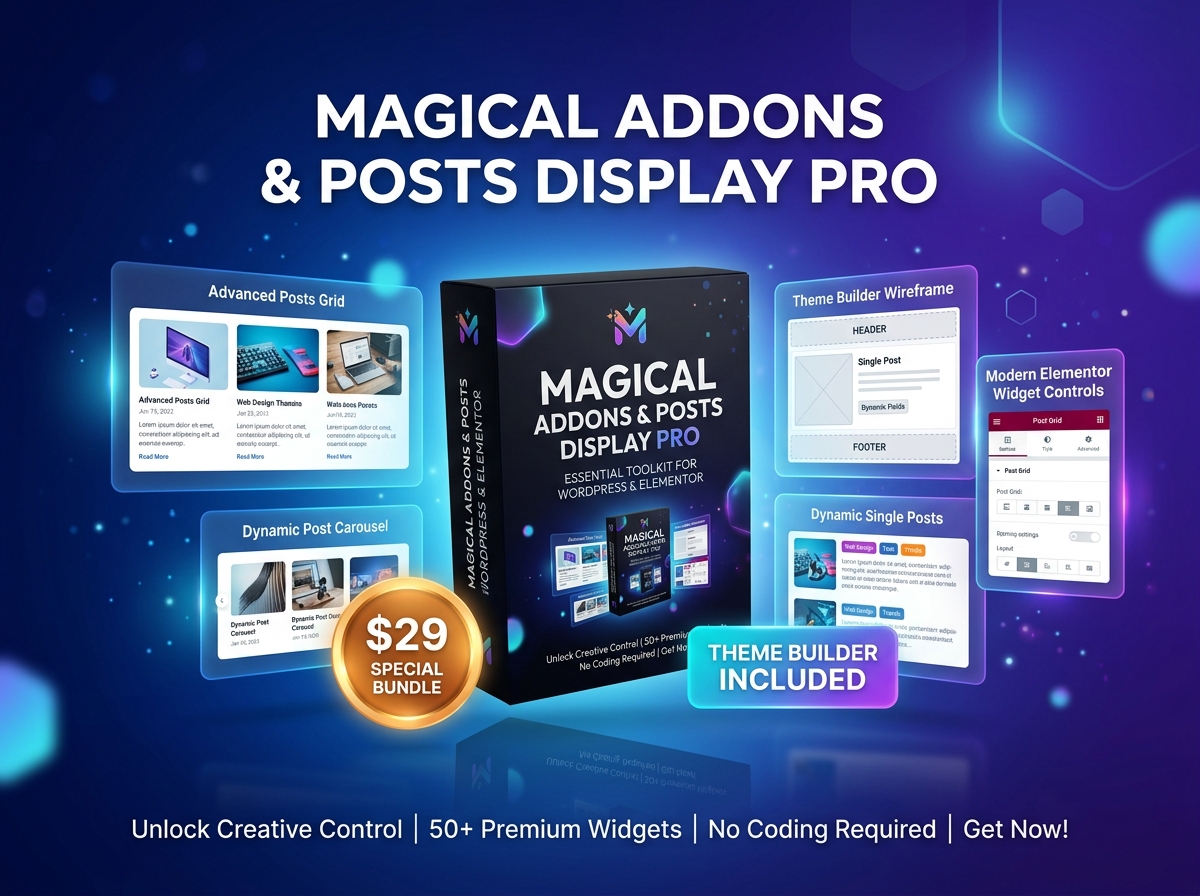
Magical Shop Builder (Magical Products Display) is a powerful Elementor extension engineered to build visually arresting WooCommerce product showcases, responsive category grids, and interactive promotional banners.
Key Advantages of 1. Magical Shop Builder:
- Drag-and-Drop Product Grids: Easily customize column counts, pagination styles, and product hover effects.
- AJAX Add-to-Cart & Quick View: Allow shoppers to inspect item specifications and add products directly to cart.
- Promotional Badges & Ribbons: Highlight trending items, clearance sales, and new arrivals with custom CSS badges.
- Lifetime Value Pricing: One-time $21 purchase providing lifetime updates and zero recurring annual fees.
2. Magical Addons For Elementor
Magical Addons brings dozens of creative modules to Elementor, giving store creators flexible pricing comparison matrices, testimonial sliders, and dynamic eCommerce call-to-action blocks.
Key Advantages of 2. Magical Addons For Elementor:
- eCommerce Pricing & CTA Blocks: Design high-converting pricing tables with feature toggles and discount highlights.
- Modular Widget Control: Enable only active widgets to keep your WooCommerce shop running at top speed.
- Flawless Mobile Adaptation: Ensure every product element scales smoothly across smartphones and tablets.
3. WooLentor (ShopLentor)
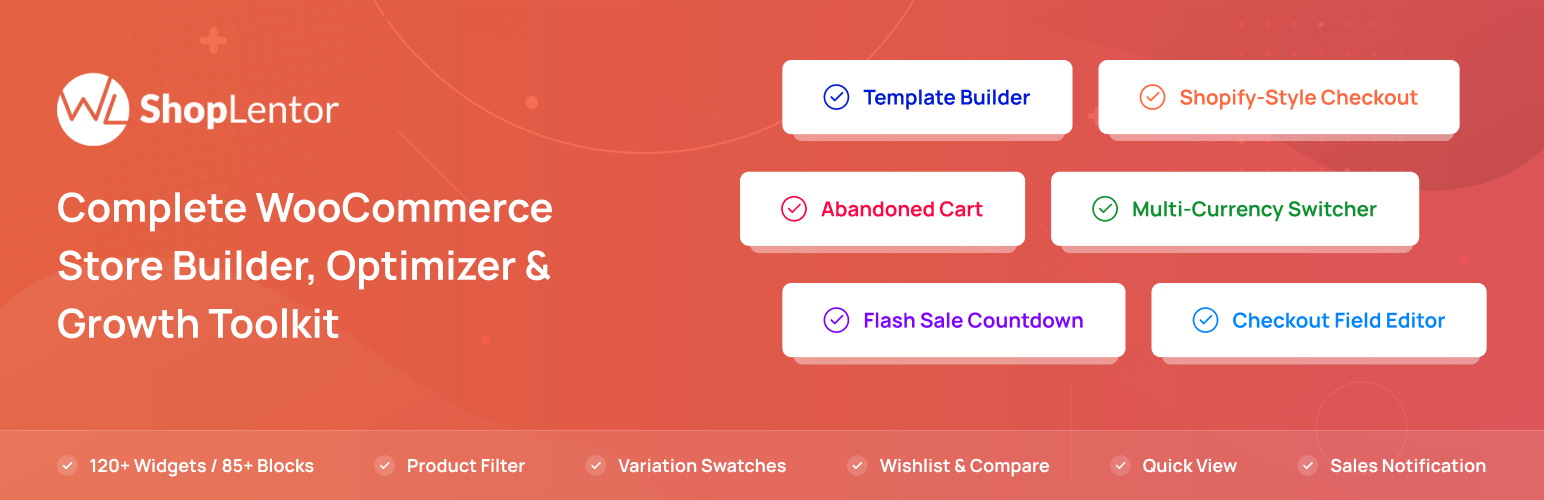
ShopLentor (formerly WooLentor) is one of the most comprehensive template builders for Elementor, offering over 100 Elementor widgets and ready-to-use WooCommerce page templates.
Key Advantages of 3. WooLentor (ShopLentor):
- Complete Page Builders: Visually build custom templates for Shop, Archive, Single Product, Cart, and Checkout.
- Sales Notification Popups: Show real-time recent order popups to build buyer trust and social proof.
- Gutenberg & Elementor Synergy: Works seamlessly across both Elementor and modern Gutenberg blocks.
4. Essential Addons for Elementor

Essential Addons includes dedicated WooCommerce elements such as Woo Product Grids, Product Collections, Checkout customizations, and interactive Woo Carousels.
Key Advantages of 4. Essential Addons for Elementor:
- Product Grid & Carousel Widgets: Display products with dynamic hover animations, ratings, and price tags.
- WooCommerce Checkout Styling: Refine form styling and button appearance on default checkout pages.
- High-Performance Code Base: Optimized asset loading keeps database queries minimal.
5. ShopEngine – Complete Elementor WooCommerce Builder

ShopEngine provides a complete visual overhaul for WooCommerce stores, including custom templates for Archive, Single Product, Cart, Checkout, and Order Confirmation.
Key Advantages of 5. ShopEngine:
- 50+ Specialized Woo Widgets: Includes product comparison, wishlist, quick checkout, and variation swatches.
- Multi-Step Checkout Builder: Transform the standard WooCommerce checkout into a modern multi-step funnel.
- Partial Payment & Pre-Order Modules: Accept partial deposits and pre-orders directly through Elementor templates.
6. Royal Elementor Addons (WooCommerce Builder)

Royal Elementor Addons offers robust eCommerce capabilities including custom product archive grids, off-canvas shopping carts, and dynamic sale badges.
Key Advantages of 6. Royal Elementor Addons (WooCommerce Builder):
- Off-Canvas Cart Drawer: Improve user experience with an interactive slide-out cart drawer.
- Custom Single Product Templates: Build unique single product layouts with custom image galleries and tabs.
- Pre-Made Shop Kits: Import complete ready-made shop designs in one click.
7. ElementsKit (WooCommerce Template Modules)

ElementsKit features specialized WooCommerce widgets designed to build promotional category showcases, mega menus, and product grids with ease.
Key Advantages of 7. ElementsKit (WooCommerce Template Modules):
- WooCommerce Mega Menu Integration: Highlight featured categories and promotional banners inside top navigation menus.
- Interactive Product Carousels: Create touch-friendly product carousels with smooth navigation dots and arrows.
- Lightweight Modular Framework: Activate only the eCommerce modules your site requires.
8. Happy Addons for Elementor (WooCommerce Single & Archive)
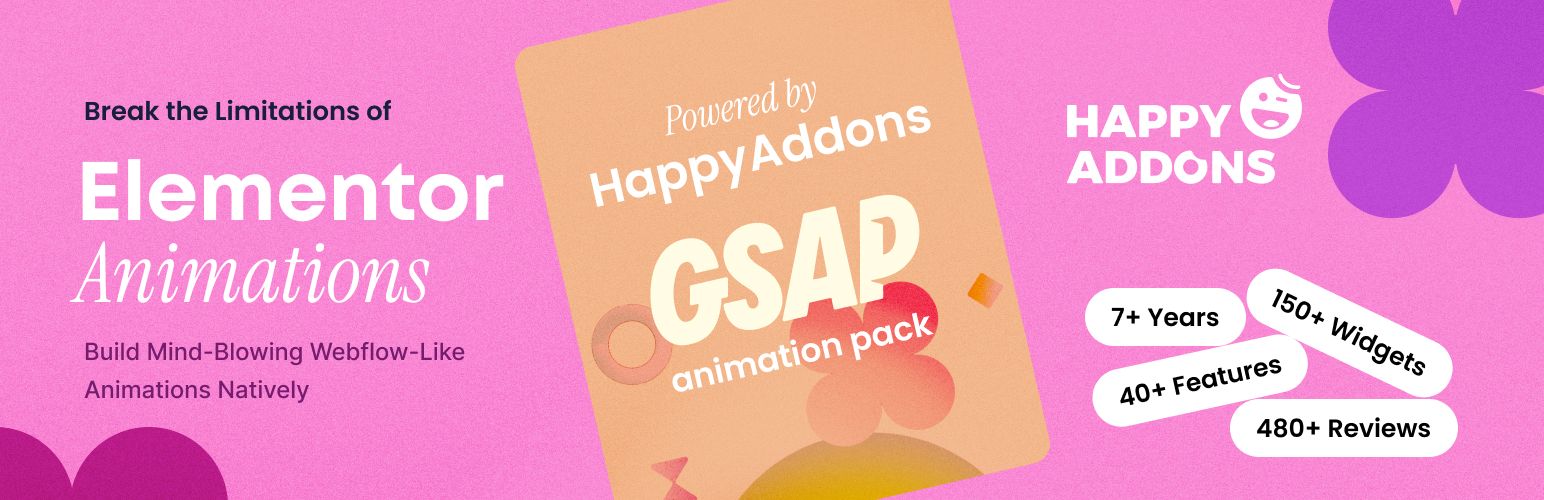
Happy Addons brings creative design freedom to WooCommerce with custom product cards, interactive mini carts, and captivating CSS animation presets.
Key Advantages of 8. Happy Addons for Elementor (WooCommerce Single & Archive):
- Creative Product Grid Styles: Dozens of modern card presets with unique badge placements and hover effects.
- Floating Mini Cart Widget: Add a sleek floating cart icon that keeps order totals visible across pages.
- Cross-Domain Copy Paste: Copy complete WooCommerce templates between client websites instantly.
Feature & Pricing Comparison Matrix
Here is an at-a-glance summary comparing the key specifications, pricing models, and ratings of our evaluated WooCommerce Template Builder Plugins for Elementor:
| Product Name | Best Suited For | Rating | Price | Action |
|---|---|---|---|---|
| Magical Shop Builder | Custom Product Grids, Quick View & Sales Badges | 4.9 / 5.0 | $21 | Explore → |
| Magical Addons | eCommerce Sliders, Pricing Tables & Feature Grids | 4.9 / 5.0 | Free / $21 | Explore → |
| ShopLentor | Single Product Templates, Cart & Checkout Customization | 4.6 / 5.0 | Free / $59 | Explore → |
| Essential Addons Woo | Product Carousels, Tables & Checkout Styling | 4.8 / 5.0 | Free / $49 | Explore → |
| ShopEngine | Full Store Template Overhauls & Sales Modules | 4.7 / 5.0 | Free / $59 | Explore → |
| Royal Woo Builder | Responsive Product Grids, Off-Canvas Carts & Badges | 4.9 / 5.0 | Free / $39 | Explore → |
| ElementsKit Woo | Mega Menus, Category Highlights & Woo Carousels | 4.9 / 5.0 | Free / $39 | Explore → |
| Happy Addons Woo | Creative Product Cards, Mini Carts & CSS Animations | 4.8 / 5.0 | Free / $39 | Explore → |
How to Choose the Right WooCommerce Template Builder Plugins for Elementor for Your Website
When selecting among top WooCommerce Template Builder Plugins for Elementor, consider these fundamental factors before making a final commitment:
1. Impact on Page Loading Speed & Core Web Vitals
Modern search engines prioritize pages that pass Google Core Web Vitals (Largest Contentful Paint, Cumulative Layout Shift, and Interaction to Next Paint). Always favor lightweight code over bloated multi-purpose packages that inject dozens of unused scripts on every page load.
2. Customization Freedom & Builder Support
Look for native drag-and-drop customization whether through Elementor or the WordPress Block Editor (Gutenberg). Having visual control over headers, footers, single post layouts, and mobile breakpoints saves countless development hours.
3. Licensing, Pricing & Lifetime Value
Annual recurring subscriptions can add up quickly over multiple projects. Where possible, choose transparent lifetime deals (such as the one-time packages offered on WPThemeSpace) that provide lifetime access, full updates, and dedicated technical support without recurring fees.
Frequently Asked Questions (FAQ)
What makes a solution rank among the top WooCommerce Template Builder Plugins for Elementor?
The best solutions combine lean code structure, robust security standards, frequent compatibility updates, and seamless integration with the broader WordPress ecosystem.
Are free versions sufficient for a professional website?
Free versions hosted on the official WordPress.org repository are ideal for launching new projects. However, upgrading to Pro versions typically unlocks advanced styling controls, conversion boosters, priority customer assistance, and turnkey demo templates.
Can I switch to a new solution without losing my current content?
Yes. Standard WordPress posts, pages, and WooCommerce product databases remain intact when switching themes or modernizing your plugin toolkit.
Final Verdict & Recommendations
If you are looking for the overall champion that delivers maximum performance, reliable updates, and unbeatable value, our #1 Editor’s Choice recommendation is Magical Shop Builder. It strikes the perfect balance between modern design aesthetics, sub-second speed, and effortless customizability.
For more high-performance digital tools, browse our curated collection of verified WordPress Themes and WordPress Plugins.