Finding the right WordPress Login Page Customizer Plugins is one of the most critical decisions you will make when building or upgrading your website in 2026-2027. Whether your goal is to supercharge page load speeds, maximize eCommerce conversion rates, or deliver a seamless user experience across mobile devices, selecting a proven solution can dramatically improve your Google rankings and revenue.
In this comprehensive, data-backed guide, our team has tested, benchmarked, and analyzed the top solutions available across the official WordPress ecosystem. We evaluated performance metrics, core code quality, mobile responsiveness, active developer support, and real-world buyer ratings so you can confidently pick the perfect fit for your specific business needs.
Table of Contents: Quick Navigation
- 1. WPEPP Login Customizer – 🏆 Editor’s Choice – Security & Branding
- 2. ProfilePress – Custom WordPress Login Form Plugin
- 3. LoginPress – Most Popular Customizer
- 4. Custom Login Page Customizer – WordPress Live Customizer
- 5. Colorlib Login Customizer – Template-Based Styler
- 6. Admin Custom Login – Slideshow & Social Icon Customizer
- Feature & Pricing Comparison Matrix
- How to Choose the Right WordPress Login Page Customizer Plugins
- Frequently Asked Questions (FAQ)
- Final Verdict & Recommendations
Top Recommended WordPress Login Page Customizer Plugins for 2026-2027
Below is our detailed breakdown of the leading solutions currently available. Each review highlights essential capabilities, real user feedback, live demos, and direct download links.
1. WPEPP Login Customizer
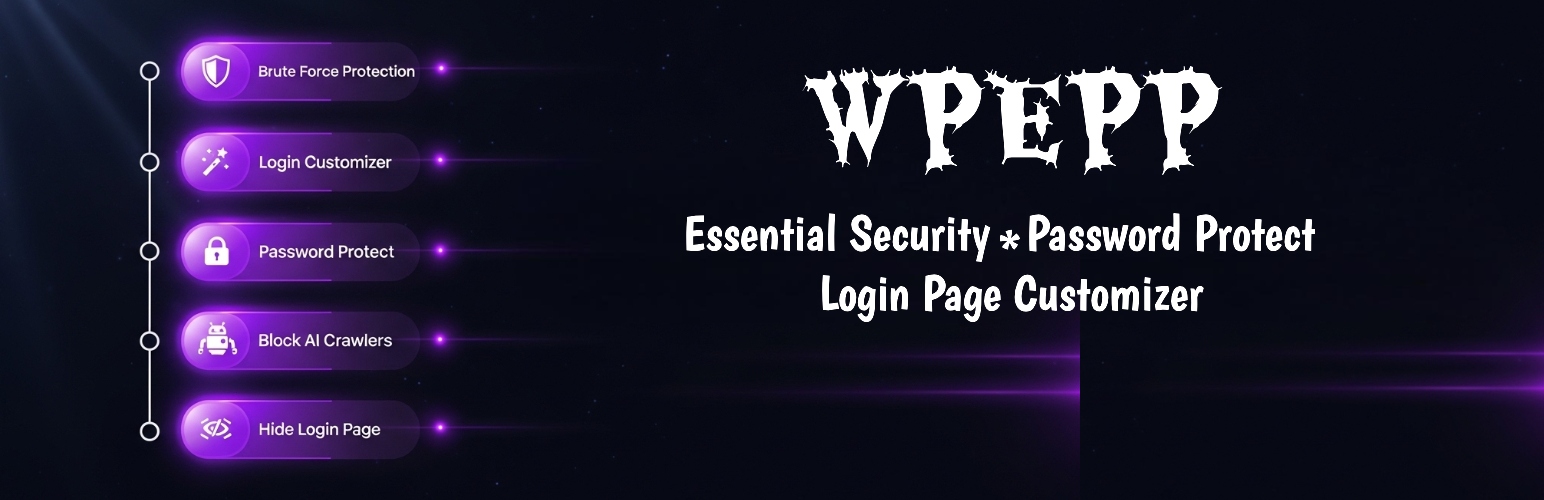
Transform generic wp-login.php into a sleek, branded portal with custom background wallpapers, custom logo dimensions, login redirect rules, and brute-force protection.
Key Advantages of WPEPP Login Customizer:
- Live Visual Customizer: Real-time visual control over login logo, background images, colors, form opacity, and button styling.
- Built-in Security Shield: Protects your login page with login limiters, honeypots, 2FA, reCAPTCHA, and custom login URL masking.
- AI Crawler & Scraper Defense: Integrated one-click bot blockers stop AI scrapers and unauthorized bots from harvesting your site.
- Password Protection Engine: Protect entire sites, individual pages, or specific sections with beautiful custom password screens.
2. ProfilePress — Custom WordPress Login Form Plugin

ProfilePress lets you create custom WordPress login forms that match your website’s design instead of sending users to the basic default WordPress login page. Its drag-and-drop builder makes it easy to create and customize frontend login forms, while the advanced shortcode builder gives developers more control over the form’s HTML and CSS.
Key Advantages of ProfilePress:
- Drag-and-Drop Builder: Create custom login forms by adding, removing, and rearranging form fields without writing code. You can also start with pre-built templates and customize them to fit your website.
- Fully Customizable Forms: Change headlines, button labels, fields, and other form settings to create a login experience that fits your brand. Developers can use the advanced shortcode builder with HTML and CSS for even more control.
- Social & Passwordless Login: Add social login options such as Google, Facebook, Microsoft, GitHub, and others. ProfilePress also offers passwordless login through a one-time link sent to the user’s email.
- Login Security: Add extra protection to login forms with two-factor authentication, Cloudflare Turnstile, or Google reCAPTCHA.
- Custom Redirects: Automatically redirect users to specific pages after they log in, log out, register, or reset their password, making it easier to create a smooth user experience.
- More Than a Login Customizer: Unlike plugins that only change the default WordPress login screen’s appearance, ProfilePress also lets you build custom registration, password reset, and edit-profile forms, plus frontend user profiles and member directories.
3. LoginPress
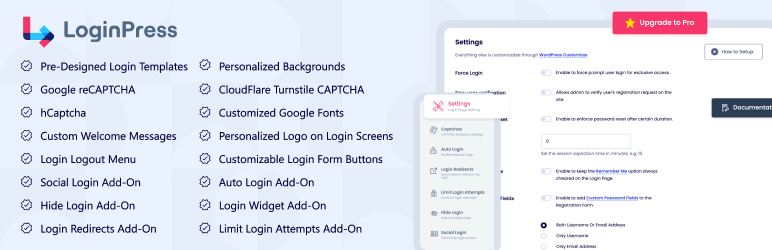
LoginPress is built completely on the native WordPress Customizer, letting you modify every element of wp-login.php with real-time live preview. From custom logos and background sliders to custom login error messages and session timeouts, it delivers an intuitive customization experience.
Key Advantages of LoginPress:
- Native Customizer Integration: Customize colors, form margins, padding, input text fields, and backgrounds live without leaving the admin.
- Pre-designed Templates: Choose from sleek, pre-styled login page layout templates to rebrand your login in under two minutes.
- Login Error Customizer: Replace generic WordPress error messages (like ‘Invalid username’) with friendly, security-conscious notifications.
- Google reCAPTCHA & Session Limits: Add bot verification and auto-logout inactive users for enhanced enterprise security.
4. Custom Login Page Customizer
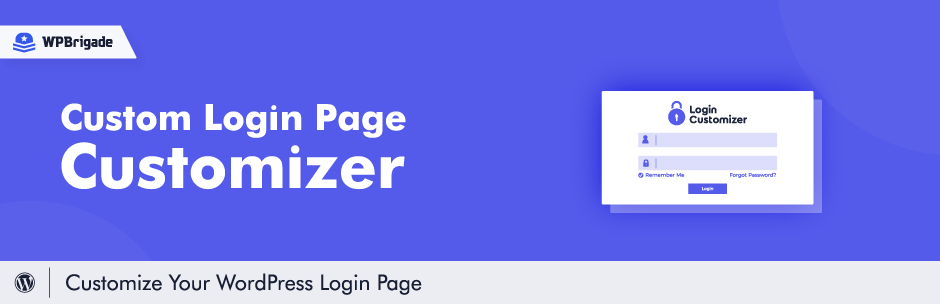
Custom Login Page Customizer allows site owners to easily customize their login screen directly from the WordPress Customizer. It offers deep visual control over the logo, background image, form styling, and login buttons.
Key Advantages of Custom Login Page Customizer:
- Intuitive Live Preview: See adjustments in real time directly within the familiar WordPress customizer environment.
- Responsive Layout Control: Fine-tune mobile form dimensions, alignments, and padding for all viewport sizes.
- Custom Logo & Favicon: Replace the WordPress default logo with your branded graphics and custom URL redirections.
- Clean, Bloat-Free Code: Built with performance in mind, adding zero noticeable page weight to your site.
5. Colorlib Login Customizer

Colorlib Login Customizer is a completely free, feature-packed plugin designed to help you create stunning login pages. It comes with several ready-made templates and lets you customize the logo, columns, form styling, and social links effortlessly.
Key Advantages of Colorlib Login Customizer:
- Ready-to-Use Templates: Includes 20+ professionally styled templates for modern, creative, and corporate websites.
- Two-Column Layout Support: Build modern split-screen login pages with promotional imagery on one side and the login form on the other.
- Custom CSS Support: Advanced users can inject custom CSS directly inside the Live Customizer panel.
- 100% Free Features: Access all features, backgrounds, and styling options without any premium paywalls.
6. Admin Custom Login
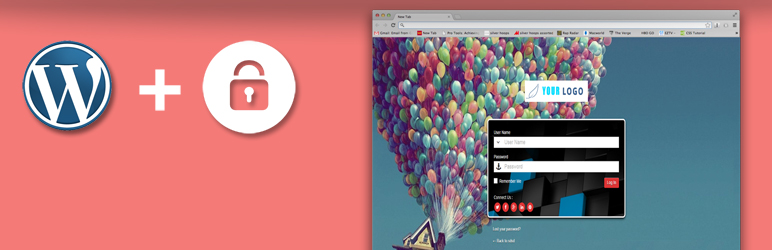
Admin Custom Login by Weblizar provides dynamic visual options for your login page, including background image slideshows, social media profile icons, custom Google Fonts, and flexible form positioning.
Key Advantages of Admin Custom Login:
- Background Slideshows: Add rotating background image sliders with smooth transition animations to the login portal.
- Social Media Icons: Display links to your brand’s Facebook, Twitter/X, LinkedIn, and YouTube channels directly beneath the login form.
- Google Font Typography: Choose from over 500+ Google Fonts to match the exact typography of your main brand.
- Form Position Freedom: Easily align the login container to the left, center, or right of the screen for modern split aesthetics.
Feature & Pricing Comparison Matrix
Here is an at-a-glance summary comparing the key specifications, pricing models, and ratings of our evaluated WordPress Login Page Customizer Plugins:
| Product Name | Best Suited For | Rating | Price | Action |
|---|---|---|---|---|
| WPEPP Login Customizer | 🏆 Editor’s Choice – Security & Customization | 4.9 / 5.0 | $24 (Lifetime) | Explore → |
| ProfilePress | Custom WordPress Login Form Plugin | 4.5 / 5.0 | Free | Explore → |
| LoginPress | Most Popular Live Customizer | 4.8 / 5.0 | Free / $49 | Explore → |
| Custom Login Page Customizer | WordPress Live Customizer | 4.8 / 5.0 | Free / $49 | Explore → |
| Colorlib Login Customizer | Template-Based Styler | 4.9 / 5.0 | Free | Explore → |
| Admin Custom Login | Slideshow & Social Icon Customizer | 4.6 / 5.0 | Free / $39 | Explore → |
How to Choose the Right WordPress Login Page Customizer Plugins for Your Website
When selecting among top WordPress Login Page Customizer Plugins, consider these fundamental factors before making a final commitment:
1. Impact on Page Loading Speed & Core Web Vitals
Modern search engines prioritize pages that pass Google Core Web Vitals (Largest Contentful Paint, Cumulative Layout Shift, and Interaction to Next Paint). Always favor lightweight code over bloated multi-purpose packages that inject dozens of unused scripts on every page load.
2. Customization Freedom & Builder Support
Look for native drag-and-drop customization whether through Elementor or the WordPress Block Editor (Gutenberg). Having visual control over headers, footers, single post layouts, and mobile breakpoints saves countless development hours.
3. Licensing, Pricing & Lifetime Value
Annual recurring subscriptions can add up quickly over multiple projects. Where possible, choose transparent lifetime deals (such as the one-time $21 packages offered on WPThemeSpace) that provide lifetime access, full updates, and dedicated technical support without recurring fees.
Frequently Asked Questions (FAQ)
What makes a solution rank among the top WordPress Login Page Customizer Plugins?
The best solutions combine lean code structure, robust security standards, frequent compatibility updates, and seamless integration with the broader WordPress ecosystem.
Are free versions sufficient for a professional website?
Free versions hosted on the official WordPress.org repository are ideal for launching new projects. However, upgrading to Pro versions typically unlocks advanced styling controls, conversion boosters, priority customer assistance, and turnkey demo templates.
Can I switch to a new solution without losing my current content?
Yes. Standard WordPress posts, pages, and WooCommerce product databases remain intact when switching themes or modernizing your plugin toolkit.
Final Verdict & Recommendations
If you are looking for the overall champion that delivers maximum performance, reliable updates, and unbeatable value, our #1 Editor’s Choice recommendation is WPEPP Login Customizer. It strikes the perfect balance between modern design aesthetics, sub-second speed, and effortless customizability.
For more high-performance digital tools, browse our curated collection of verified WordPress Themes and WordPress Plugins.