
Securing sensitive client deliverables, internal company documentation, and premium membership assets in 2026-2027 requires choosing the best WordPress Password Protect Plugins. Standard WordPress native password options are notoriously rigid—they lack custom branded login screens, master password keys, IP whitelisting, and expiration timers.
In this curated guide, we present the 7 best WordPress password protect plugins. Each solution provides robust access control, sub-second authentication speeds, customizable login screens, and zero performance drag on your live server.
Table of Contents: Quick Navigation
- 1. WPEPP – Password Protect & Security – 🏆 Editor’s Choice – Complete Access Control
- 2. Password Protected – Simple Global Site-Wide Lock
- 3. PPWP – Password Protect WordPress – Granular Content Lock
- 4. Passster – Modern Gutenberg Block & Area Protection
- 5. Restrict Content – Lightweight Paywall & User Roles
- 6. Simple Membership – Free Account-Based Protection
- 7. MemberPress – Enterprise Course & Paywall Access
- Feature & Pricing Comparison Matrix
- How to Choose the Right WordPress Password Protect Plugins
- Frequently Asked Questions (FAQ)
- Final Verdict & Recommendations
Top Recommended WordPress Password Protect Plugins for 2026-2027
Below is our detailed breakdown of the leading solutions currently available. Each review highlights essential capabilities, real user feedback, live demos, and direct download links.
1. WPEPP – Password Protect & Security

WPEPP is an all-in-one security and access control plugin engineered to password protect individual posts, entire categories, WooCommerce products, and custom post types while completely rebranding your login forms.
Key Advantages of 1. WPEPP:
- Master Password Architecture: Create master passwords that grant access to multiple private sections with a single key.
- Custom Login & Lock Screen Designer: Brand your password input screens with custom logos, background imagery, and colors.
- IP & Role Whitelisting: Bypass password screens automatically for verified administrators, editors, or office IP subnets.
- Lifetime Deal Value: One-time $24 purchase offering lifetime updates and zero recurring monthly fees.
2. Password Protected
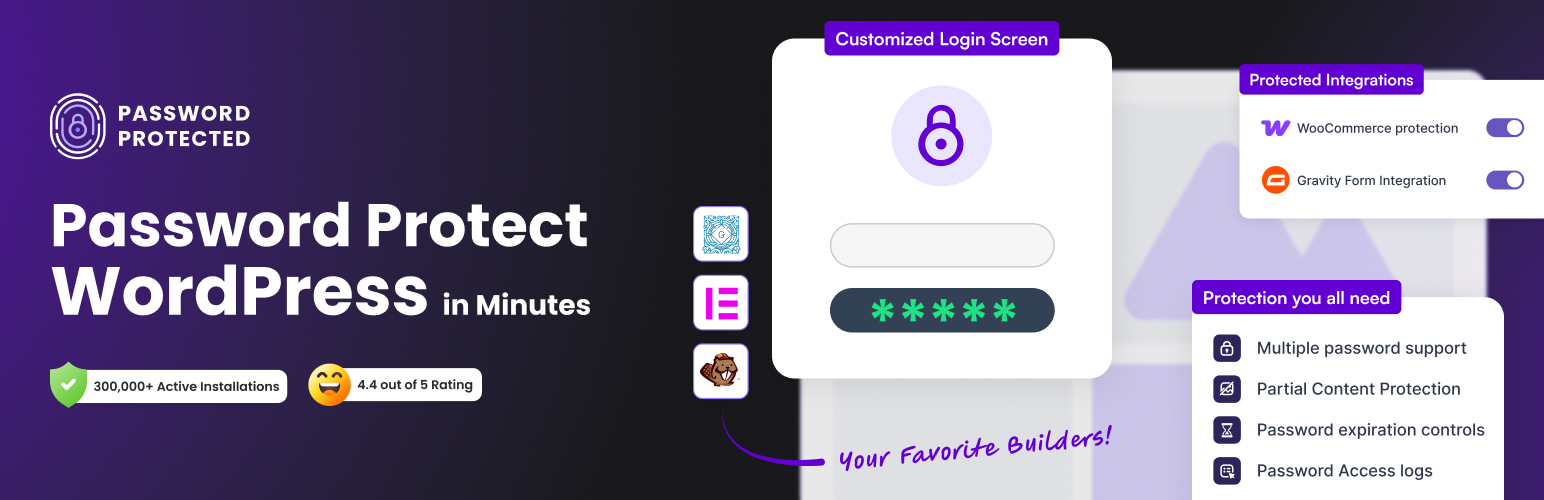
Password Protected provides an instant, zero-configuration way to shield your entire website behind a single master password, making it ideal for staging environments and private client review sites.
Key Advantages of 2. Password Protected:
- One-Click Global Locking: Lock down the entire website behind a single shared password in seconds.
- Administrator Bypass: Logged-in WordPress administrators bypass the prompt automatically without extra steps.
- Lightweight Footprint: Feather-light execution with zero database overhead or external script loading.
3. PPWP – Password Protect WordPress
PPWP is a specialized content gating plugin designed for publishers and eCommerce stores needing multiple passwords per page, shortcode-level protection, and WooCommerce checkout locking.
Key Advantages of 3. PPWP:
- Multiple Passwords Per Post: Assign distinct passwords to different client groups or buyers for the same page.
- Shortcode Content Gating: Protect specific paragraphs, embedded videos, or download links within public articles.
- WooCommerce Product Locking: Restrict private product lines to wholesale buyers or VIP member tiers.
4. Passster
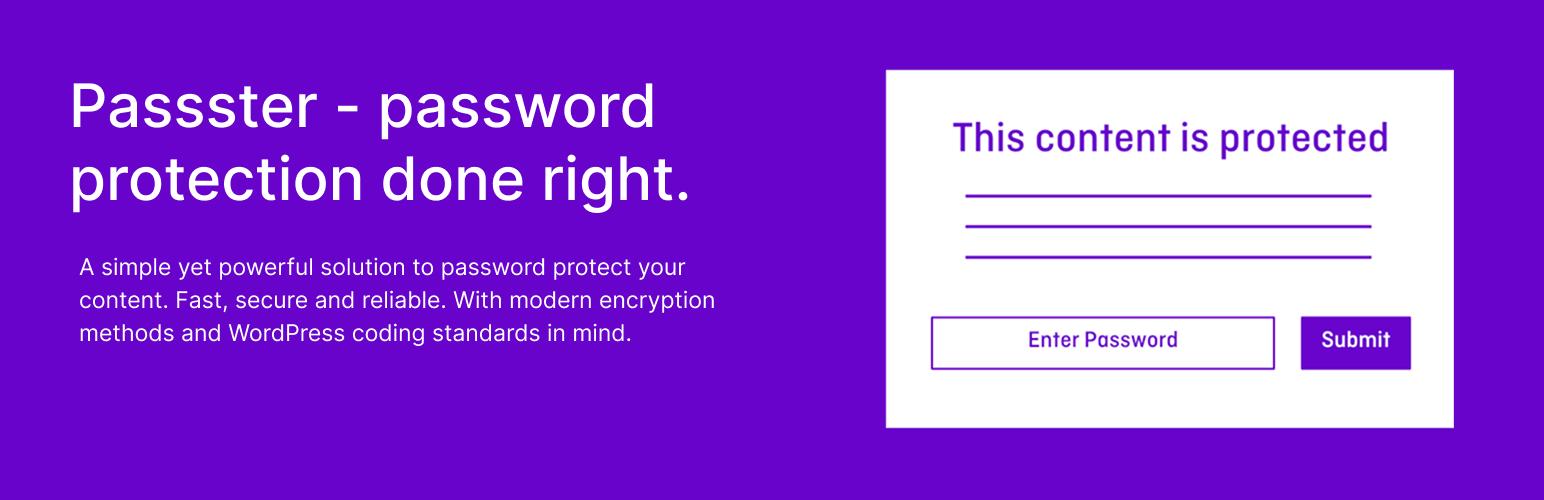
Passster is a modern, block-first content protection plugin that seamlessly integrates into the WordPress Gutenberg editor, allowing editors to password-protect individual blocks or entire pages with cookie expiration.
Key Advantages of 4. Passster:
- Native Gutenberg Block Locking: Wrap any block or section in a Passster lock container directly inside the editor.
- Encrypted Unlock Links: Share direct unlock URLs that bypass the password prompt for trusted clients.
- Cookie-Based Session Duration: Set custom cookie validity durations (hours or days) before requiring re-authentication.
5. Restrict Content
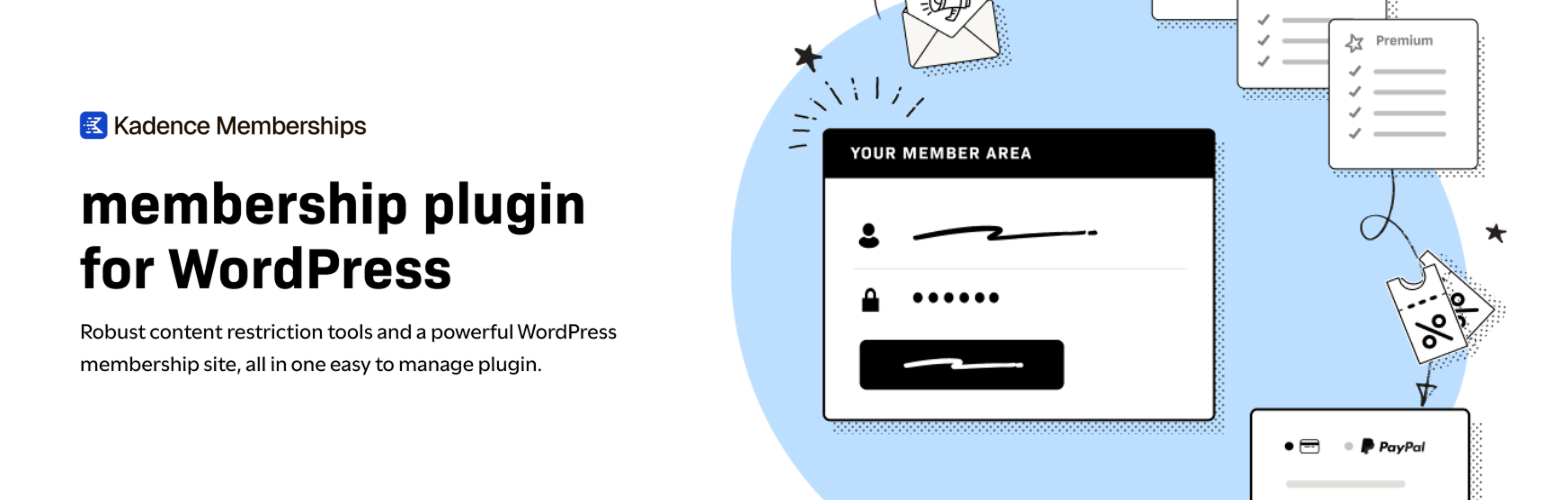
Restrict Content offers an intuitive membership and access management framework, giving you precise control over which user roles, subscribers, or paid tiers can view specific posts and pages.
Key Advantages of 5. Restrict Content:
- Role-Based Access Rules: Restrict content by subscriber tier, registered status, or custom user roles.
- Teaser Excerpts: Show partial introductory paragraphs to hook readers before prompting for credentials.
- Seamless Upgrade to Pro: Scale into full membership subscriptions and Stripe checkout when required.
6. Simple Membership

Simple Membership is a completely free, well-maintained membership plugin that lets you password-protect unlimited posts, pages, and categories based on free or paid member levels.
Key Advantages of 6. Simple Membership:
- Unlimited Membership Tiers: Configure multiple protection levels with customized expiration periods.
- Complete Account Portals: Includes front-end login, registration, and profile management forms.
- PayPal & Stripe Ready: Accept one-time or recurring membership dues without costly monthly addons.
7. MemberPress
MemberPress is the premier WordPress membership and monetization platform, allowing businesses to create high-value paywalls, protect digital courses, and manage corporate subscriptions.
Key Advantages of 7. MemberPress:
- Comprehensive Paywall Rules: Protect posts, child pages, categories, tags, and digital download files effortlessly.
- LMS Course Builder: Create structured online courses with password-protected curriculum lessons.
- Enterprise Integrations: Direct integration with ConvertKit, Mailchimp, Zapier, and top payment gateways.
Feature & Pricing Comparison Matrix
Here is an at-a-glance summary comparing the key specifications, pricing models, and ratings of our evaluated WordPress Password Protect Plugins:
| Product Name | Best Suited For | Rating | Price | Action |
|---|---|---|---|---|
| WPEPP Pro | Client Portals, Protected Pages & Login Customizer | 4.9 / 5.0 | $24 | Explore → |
| Password Protected | Site-Wide Staging Locks & Under-Construction Portals | 4.8 / 5.0 | Free / $29 | Explore → |
| PPWP | Granular Post, Page & Category Protection | 4.7 / 5.0 | Free / $179 | Explore → |
| Passster | Block-Level Passwords, Encrypted Links & Cookie Expiry | 4.8 / 5.0 | Free / $49 | Explore → |
| Restrict Content | Membership Tiers, User Roles & Premium Content | 4.6 / 5.0 | Free / $99 | Explore → |
| Simple Membership | Non-Profit Directories & Free Membership Portals | 4.7 / 5.0 | Free | Explore → |
| MemberPress | LMS Courses, Digital Downloads & Recurring Paywalls | 4.9 / 5.0 | $179.50/yr | Explore → |
How to Choose the Right WordPress Password Protect Plugins for Your Website
When selecting among top WordPress Password Protect Plugins, consider these fundamental factors before making a final commitment:
1. Impact on Page Loading Speed & Core Web Vitals
Modern search engines prioritize pages that pass Google Core Web Vitals (Largest Contentful Paint, Cumulative Layout Shift, and Interaction to Next Paint). Always favor lightweight code over bloated multi-purpose packages that inject dozens of unused scripts on every page load.
2. Customization Freedom & Builder Support
Look for native drag-and-drop customization whether through Elementor or the WordPress Block Editor (Gutenberg). Having visual control over headers, footers, single post layouts, and mobile breakpoints saves countless development hours.
3. Licensing, Pricing & Lifetime Value
Annual recurring subscriptions can add up quickly over multiple projects. Where possible, choose transparent lifetime deals (such as the one-time packages offered on WPThemeSpace) that provide lifetime access, full updates, and dedicated technical support without recurring fees.
Frequently Asked Questions (FAQ)
What makes a solution rank among the top WordPress Password Protect Plugins?
The best solutions combine lean code structure, robust security standards, frequent compatibility updates, and seamless integration with the broader WordPress ecosystem.
Are free versions sufficient for a professional website?
Free versions hosted on the official WordPress.org repository are ideal for launching new projects. However, upgrading to Pro versions typically unlocks advanced styling controls, conversion boosters, priority customer assistance, and turnkey demo templates.
Can I switch to a new solution without losing my current content?
Yes. Standard WordPress posts, pages, and WooCommerce product databases remain intact when switching themes or modernizing your plugin toolkit.
Final Verdict & Recommendations
If you are looking for the overall champion that delivers maximum performance, reliable updates, and unbeatable value, our #1 Editor’s Choice recommendation is WPEPP – Password Protect & Security. It strikes the perfect balance between modern design aesthetics, sub-second speed, and effortless customizability.
For more high-performance digital tools, browse our curated collection of verified WordPress Themes and WordPress Plugins.