Are you struggling to keep your website visitors engaged beyond the first few seconds? The digital landscape demands constant attention, and an AI chatbot WordPress setup is the ultimate solution to capture and nurture leads around the clock. By leveraging intelligent automation, you can transform passive browsers into active prospects, ensuring that no visitor leaves your site without a meaningful interaction. Implementing an AI chatbot WordPress strategy is no longer optional for businesses that want to stay competitive; it is a fundamental requirement for modern digital marketing. This comprehensive guide will walk you through the exact steps needed to convert your web traffic into a robust pipeline of qualified leads, maximizing your return on investment. When you understand how to harness this technology effectively, you unlock the true potential of your online presence.
Key Takeaways:
- An AI chatbot WordPress integration provides 24/7 engagement, capturing leads even when you are asleep.
- Strategic placement and conversation design are the two most critical factors in converting visitors into qualified leads.
- Integrating your chatbot with your email marketing CRM ensures seamless lead nurturing and higher conversion rates.
Why an AI Chatbot WordPress Setup Is Essential for Modern Websites
The modern internet user has an increasingly short attention span, and if you do not engage them immediately, they will simply navigate away to a competitor. An AI chatbot WordPress integration acts as a tireless digital receptionist, standing ready to greet every single person who lands on your page. Unlike traditional contact forms that rely on the visitor taking the initiative to fill out a long email, a chatbot proactively initiates the conversation. This proactive approach dramatically reduces the bounce rate and increases the overall time spent on your site. According to Gartner, businesses that automate customer interactions see a significant uptick in customer satisfaction and revenue generation. Furthermore, an AI chatbot WordPress plugin can simulate human conversation with remarkable accuracy, making your visitors feel heard and valued from the very first message.
- 24/7 Availability: Your chatbot never sleeps, ensuring that international visitors or late-night browsers receive immediate assistance regardless of the hour.
- Instant Response Times: In a world where users expect immediate answers, a chatbot provides a sub-second response that eliminates the frustration of waiting for an email reply.
- Personalized User Experience: By tracking user behavior and asking qualifying questions, the bot can tailor its conversation to the specific needs of each visitor.
To optimize your site for maximum retention, you must adopt tools that work while you sleep. By utilizing the right technology, you can optimize your site to ensure continuous engagement and protect your revenue streams from the silent killer of cart abandonment and form drop-offs.
Strategic Placement for Maximum Engagement
Once you have decided to implement a lead generation chatbot, the next critical step is determining exactly where it should live on your WordPress pages. Strategic placement is the secret sauce that separates a chatbot that collects dozens of leads daily from one that gets completely ignored. You must consider the user journey and place the chatbot at decision-making moments. Placing the chatbot too early might overwhelm the visitor, while placing it too late might mean they have already left the page. Therefore, you need to analyze the scroll depth and interaction patterns of your audience to find the sweet spot.
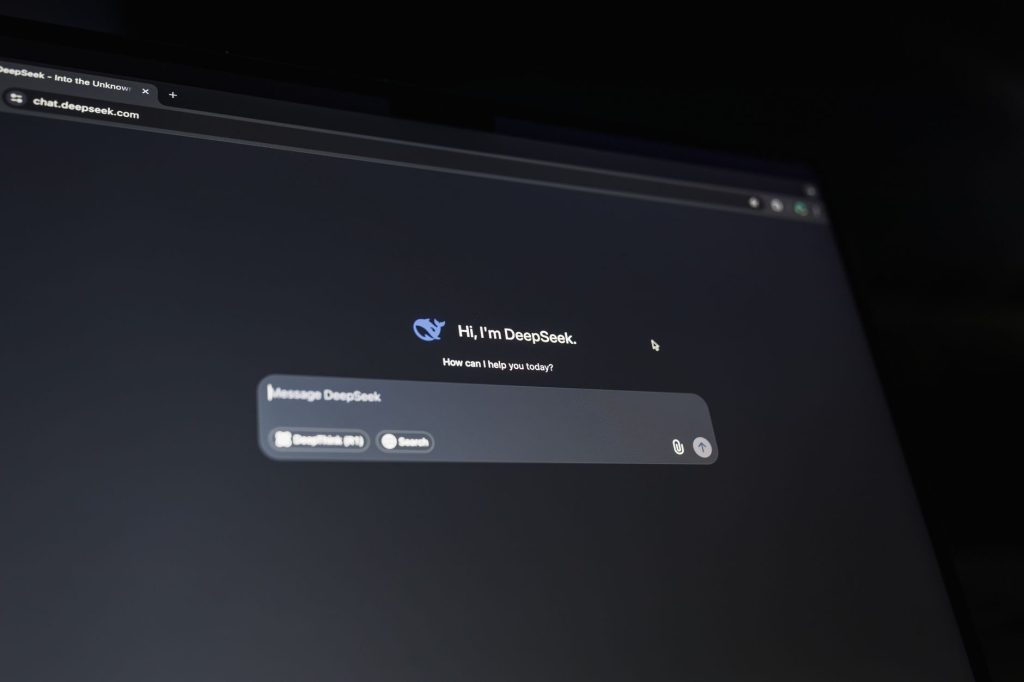
When you aim to boost your conversions, the placement of the chatbot widget should align with your most popular entry points, such as the homepage, pricing pages, and blog posts. A floating widget that stays in the bottom corner of the screen is often the most effective, as it follows the user as they read through your
content, ensuring they always have a help option within reach. On longer pages—such as case studies, resource libraries, or deep‑dive blog posts—consider adding a secondary, less‑obtrusive trigger that appears after a user has scrolled 70% of the page. This “late‑stage” prompt can ask if they need assistance finding related resources or a product recommendation, turning passive readers into active leads.
Designing Conversational Flows That Convert
Even the most advanced AI chatbot WordPress integration will fall flat if the conversation feels robotic or irrelevant. The key is to map out a dialogue that mirrors a human sales rep’s natural questioning pattern while keeping the interaction short enough to respect the visitor’s time.
1. Start with a Friendly Greeting
Begin with a warm, personalized welcome. Use dynamic variables to insert the visitor’s name (if known) or reference the page they’re on. For example:
- “Hi there! I see you’re checking out our Pricing page. How can I help you choose the right plan today?”
2. Qualify Quickly
Ask one or two qualifying questions that surface the visitor’s intent without overwhelming them. Good qualifiers include:
- What industry are you in?
- Are you looking for a solution for yourself, your team, or your entire organization?
- What’s your biggest challenge right now?
These questions feed directly into the lead generation chatbot logic, allowing you to segment leads in real time.
3. Offer Value‑Driven Options
Based on the answers, present tailored options—such as a downloadable guide, a free demo, or a direct hand‑off to a sales representative. Use clear calls‑to‑action:
- “Based on your interest in e‑commerce automation, would you like to download our free ROI calculator?”
- “Would you prefer to schedule a 15‑minute call with a product specialist?”
4. Capture Contact Information Seamlessly
When the visitor chooses an option, transition smoothly to a short form. Keep fields to a minimum—name and email are often enough to start nurturing. If you need more data, ask it later in a follow‑up email rather than at the moment of capture.
Integrating the Chatbot with Your Marketing Stack
An AI chatbot for WordPress website is only as powerful as the systems it feeds. Seamless integration with your CRM, email marketing platform, and analytics tools ensures that every conversation becomes a measurable asset.
CRM Sync
Most leading chatbot plugins—such as WP‑Chatbot, ChatBot.com, or Drift—offer native integrations with popular CRMs like HubSpot, Salesforce, and Zoho. Set up a webhook that pushes lead data (name, email, qualification score, and conversation transcript) directly into the appropriate pipeline stage. This enables sales teams to follow up instantly and maintain a single source of truth.
Email Automation
Connect the chatbot to your email service provider (ESP) using Zapier or native APIs. Trigger a personalized drip sequence the moment a visitor shares their email. For example, a new lead who expressed interest in “SEO tools” could receive a three‑email series covering:
- Introduction to your SEO suite and a free audit offer.
- Case study of a client who achieved a 45% traffic increase.
- Limited‑time discount code to encourage conversion.
Analytics and Attribution
Tag chatbot interactions with UTM parameters and feed them into Google Analytics or Matomo. This lets you answer critical questions such as:
- Which pages generate the most qualified leads?
- What is the average time from first chat to conversion?
- Which conversation paths have the highest drop‑off rates?
With this data, you can continuously refine the chatbot script to improve website engagement AI performance.
Measuring Success: KPIs Every Site Owner Should Track
Implementing a chatbot is an investment; you need concrete metrics to prove its ROI. Below are the most telling key performance indicators (KPIs) for a WordPress chatbot for leads:
- Conversation Completion Rate – Percentage of initiated chats that reach a defined end point (e.g., form submission or appointment booking).
- Lead Qualification Score – An aggregated value based on the answers to qualifying questions; helps prioritize follow‑up.
- Cost per Lead (CPL) – Total chatbot spend (including subscription fees and any AI usage costs) divided by the number of leads generated.
- Conversion Rate from Lead to Customer – Tracks the downstream impact of chatbot‑generated leads on actual sales.
- Average Response Time – Even AI bots should respond instantly; any latency can increase abandonment.
Set baseline numbers before launching, then review these metrics weekly for the first month and monthly thereafter. Use A/B testing to compare different greetings, button texts, or placement strategies, and let the data dictate optimizations.
Advanced AI Features to Supercharge Lead Capture
While a rule‑based chatbot can handle simple qualification, leveraging generative AI models (like GPT‑4 or Claude) unlocks deeper conversational abilities and higher conversion potential.
Natural Language Understanding (NLU)
NLU allows the bot to interpret free‑form user inputs instead of forcing visitors to click predefined buttons. For instance, a prospect might type, “I’m looking for a solution to manage my remote team’s tasks.” The AI can recognize “task management” and respond with a targeted offer.
Personalized Content Recommendations
By analyzing on‑site behavior and previous chat transcripts, the AI can suggest blog posts, webinars, or whitepapers that directly address the visitor’s pain points. This not only builds trust but also increases the likelihood of lead capture.
Dynamic Scoring and Prioritization
Integrate a scoring algorithm that updates in real time as the conversation unfolds. High‑score prospects can be instantly routed to a live sales agent via a “hand‑off” feature, ensuring no hot lead slips away.
Multilingual Support
If your audience spans multiple regions, enable the chatbot to converse in several languages. Modern AI models can translate on the fly, providing a seamless experience for non‑English speakers and expanding your global lead pool.
Best Practices for SEO and Accessibility
Search engines increasingly evaluate user engagement signals when ranking pages. A well‑implemented chatbot can improve dwell time, reduce bounce rate, and signal to Google that your site provides valuable assistance.
Indexability
Ensure the chatbot script does not block crawlers from accessing core content. Place the widget code after the main content in the HTML hierarchy, and use the noscript fallback to provide a static call‑to‑action for users without JavaScript.
Accessibility Compliance
Follow WCAG 2.1 guidelines:
- Provide keyboard navigation for opening and closing the chat window.
- Use ARIA labels on buttons and input fields.
- Offer a high‑contrast mode for visually impaired users.
Accessibility not only broadens your audience but also boosts SEO credibility.
Common Pitfalls and How to Avoid Them
Even experienced marketers can stumble when deploying a chatbot. Below are frequent mistakes and the corrective actions you should take.
- Over‑Automation: Relying solely on AI without a human fallback can frustrate users with complex queries. Always include an “Speak to a human” option.
- Too Aggressive Prompting: Pop‑ups that appear instantly may be perceived as intrusive. Use delay timers (5–10 seconds) and exit‑intent triggers instead.
- Poor Data Hygiene: Sending duplicate or incomplete leads to your CRM creates noise. Implement validation checks for email format and duplicate detection before submission.
- Neglecting Mobile Optimization: Mobile users constitute the majority of traffic. Test the chatbot’s responsiveness across devices, ensuring the widget does not cover essential navigation.
- Stagnant Scripts: A static conversation quickly becomes outdated. Schedule quarterly reviews to refresh messaging, incorporate new offers, and align with seasonal campaigns.
Step‑by‑Step Checklist for Launching Your Lead Generation Chatbot
- Define Goals: Identify the primary conversion action—e.g., email capture, demo booking, or content download.
- Select a Plugin: Choose an AI‑powered WordPress chatbot that integrates with your CRM and ESP.
- Map the User Journey: Pinpoint high‑intent pages and determine optimal widget placement.
- Craft Conversational Scripts: Write greetings, qualifying questions, and CTA flows that reflect your brand voice.
- Set Up Integrations: Connect the bot to your CRM, email platform, and analytics tools.
- Configure Triggers: Use time‑on‑page, scroll depth, and exit‑intent triggers to launch the chat at the right moments.
- Test Across Devices: Verify functionality on desktop, tablet, and mobile browsers.
- Launch a Soft Rollout: Enable the bot for a small percentage of traffic, monitor KPIs, and gather feedback.
- Analyze & Optimize: Review conversion data, run A/B tests on copy and placement, and iterate weekly.
- Scale: Once performance metrics meet your targets, roll out the chatbot site‑wide and explore advanced AI features.
Conclusion
Implementing an AI chatbot WordPress solution is no longer a novelty—it’s a strategic necessity for any business that wants to convert visitors to leads and keep website engagement high. By thoughtfully placing the widget, designing conversational flows that feel human, integrating with your existing marketing stack, and continuously measuring results, you can transform passive traffic into a thriving pipeline of qualified prospects.
Remember, the chatbot is a living asset. Keep refining its language, leverage advanced AI capabilities, and stay aligned with your audience’s evolving needs. When executed correctly, a lead generation chatbot becomes the silent sales representative working 24/7, ensuring that every visitor to your WordPress site has a clear path to becoming a customer.